Technical Note - CRT Photos
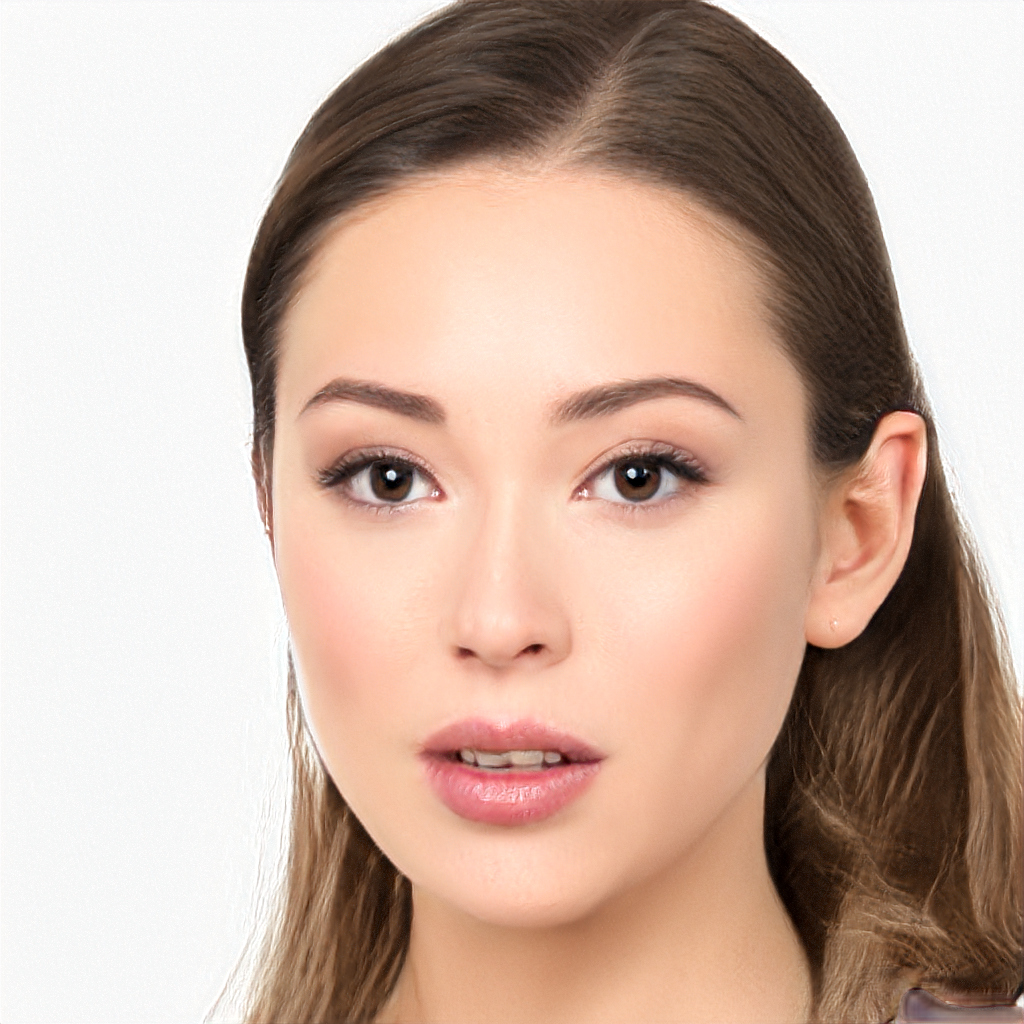
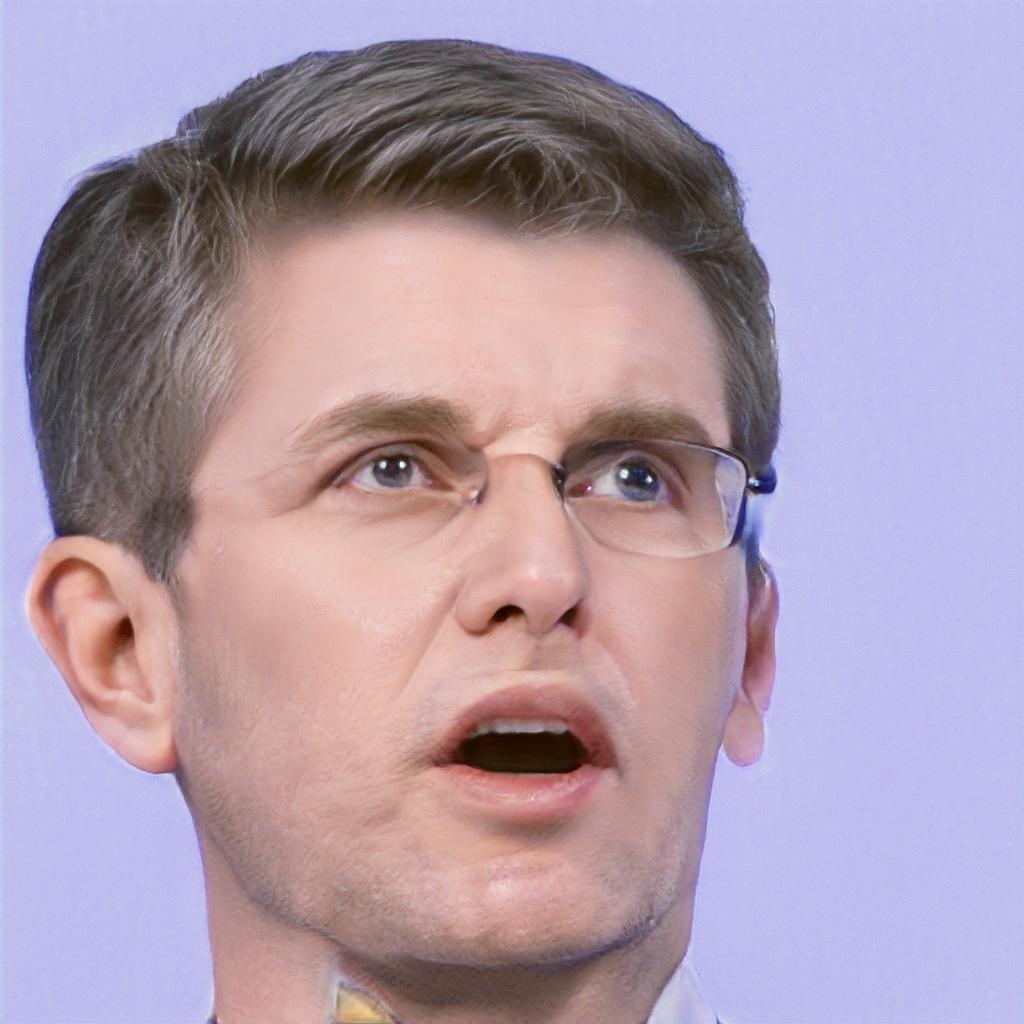
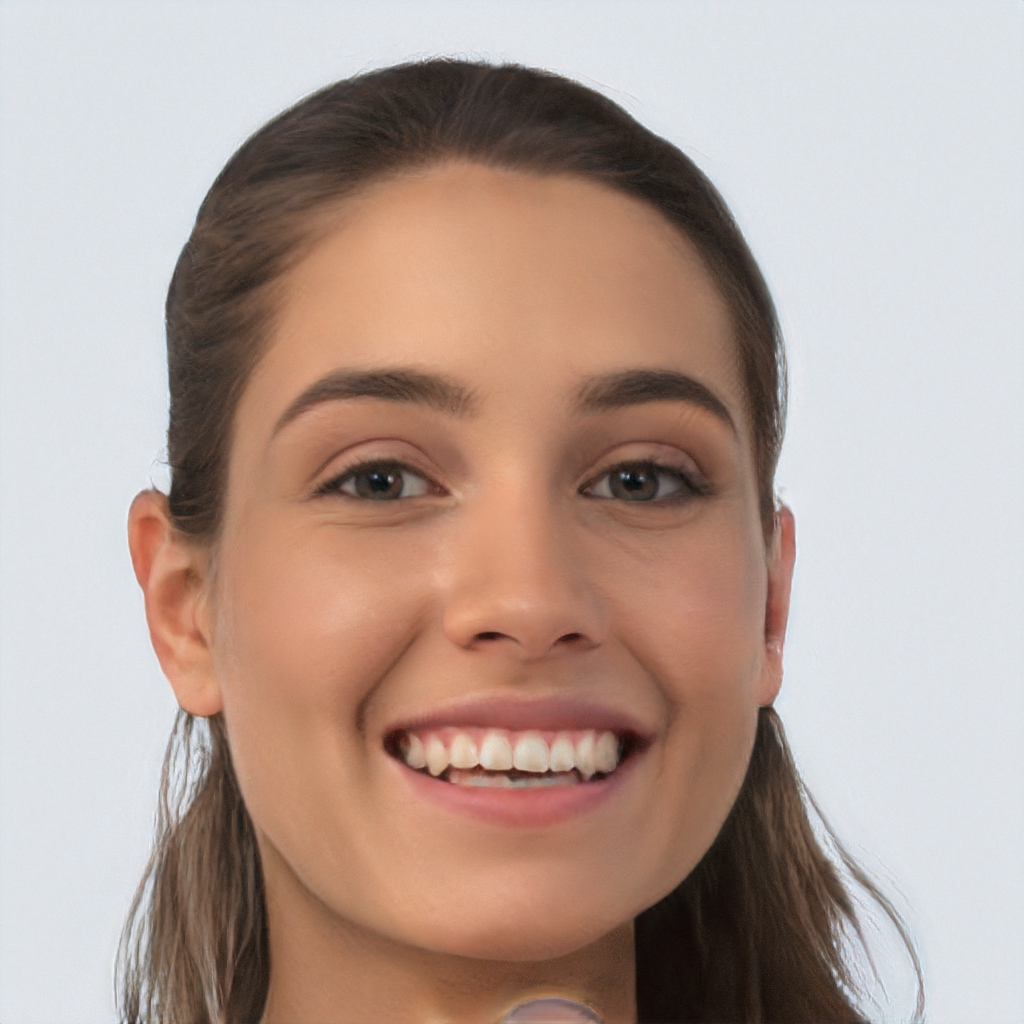
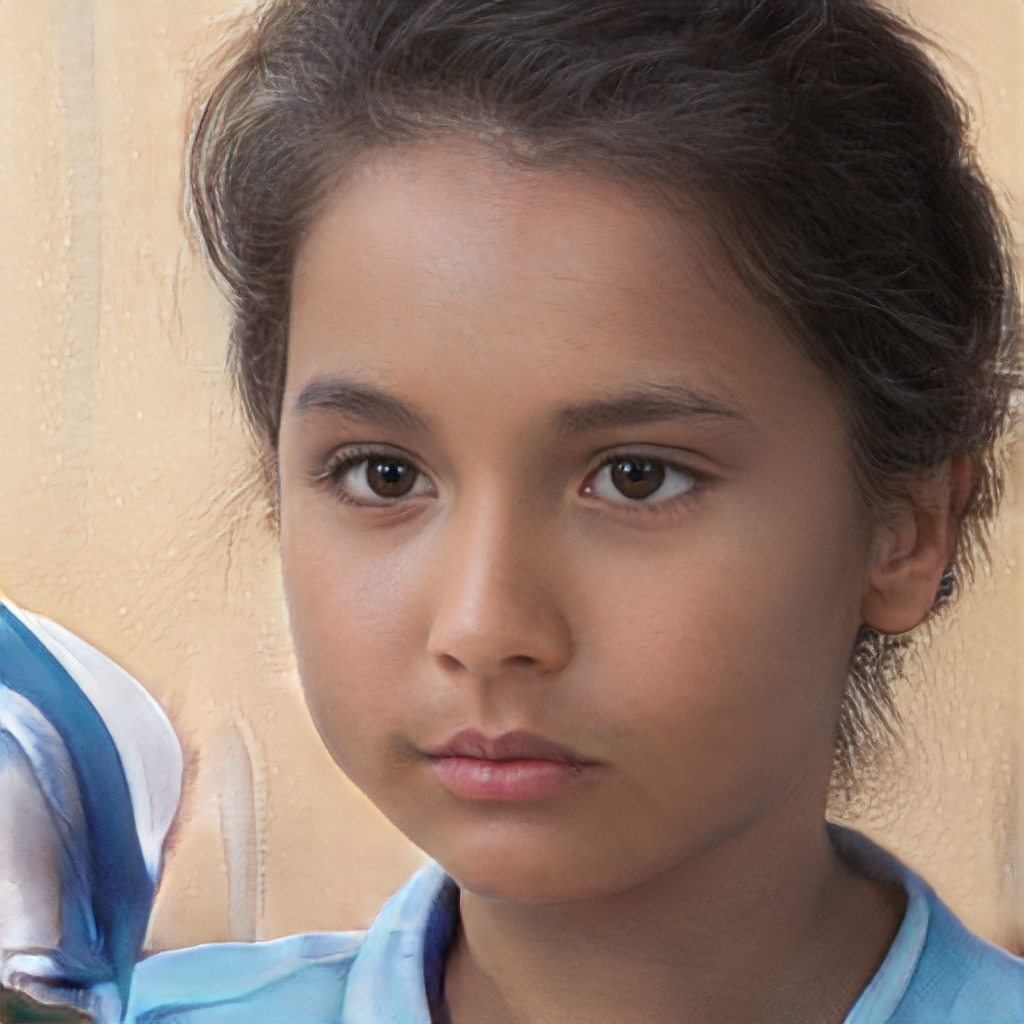
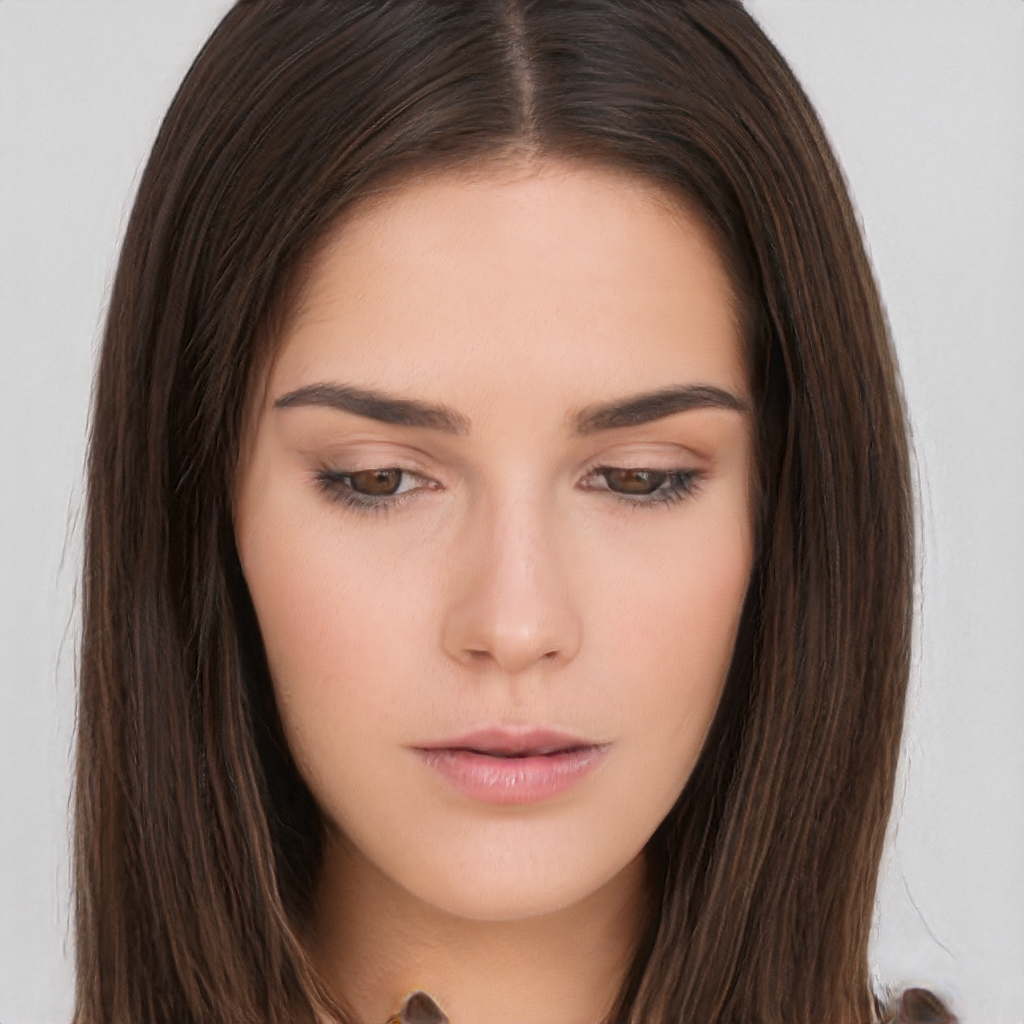
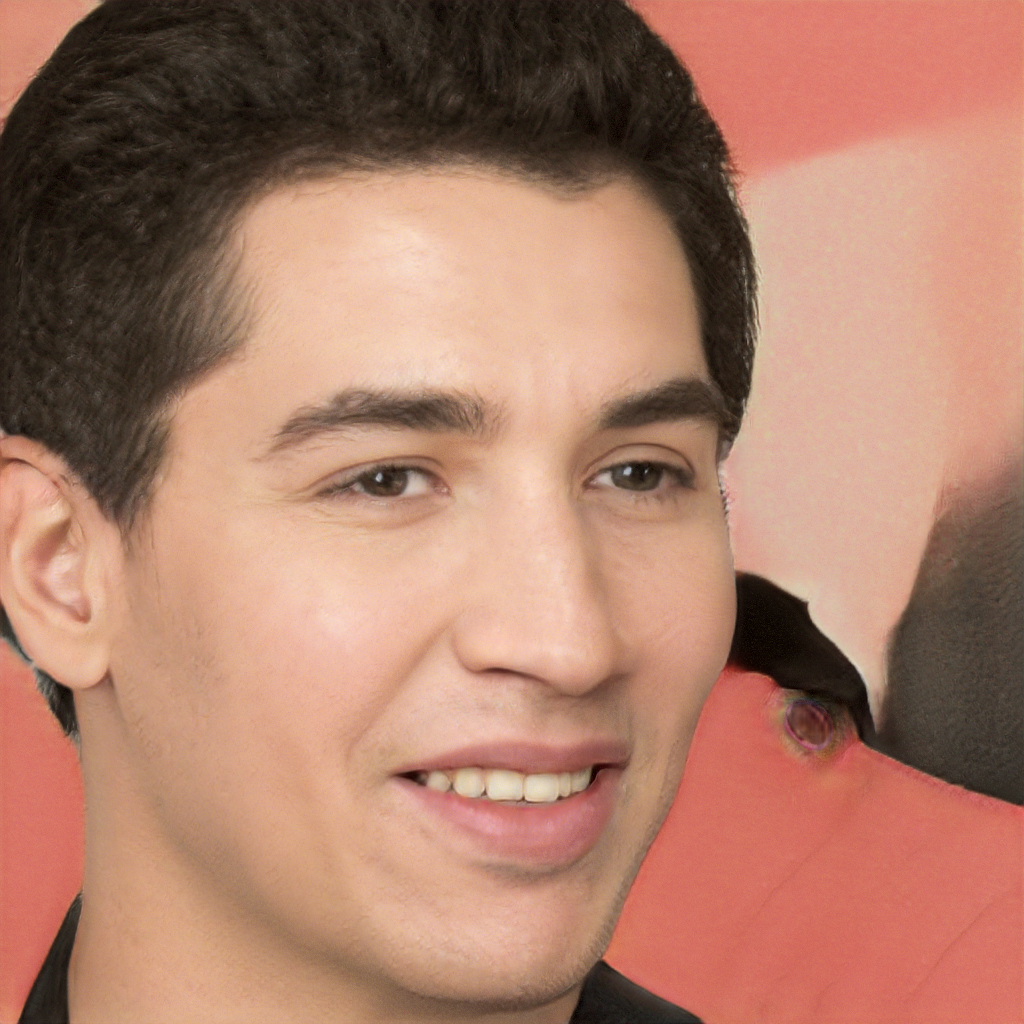
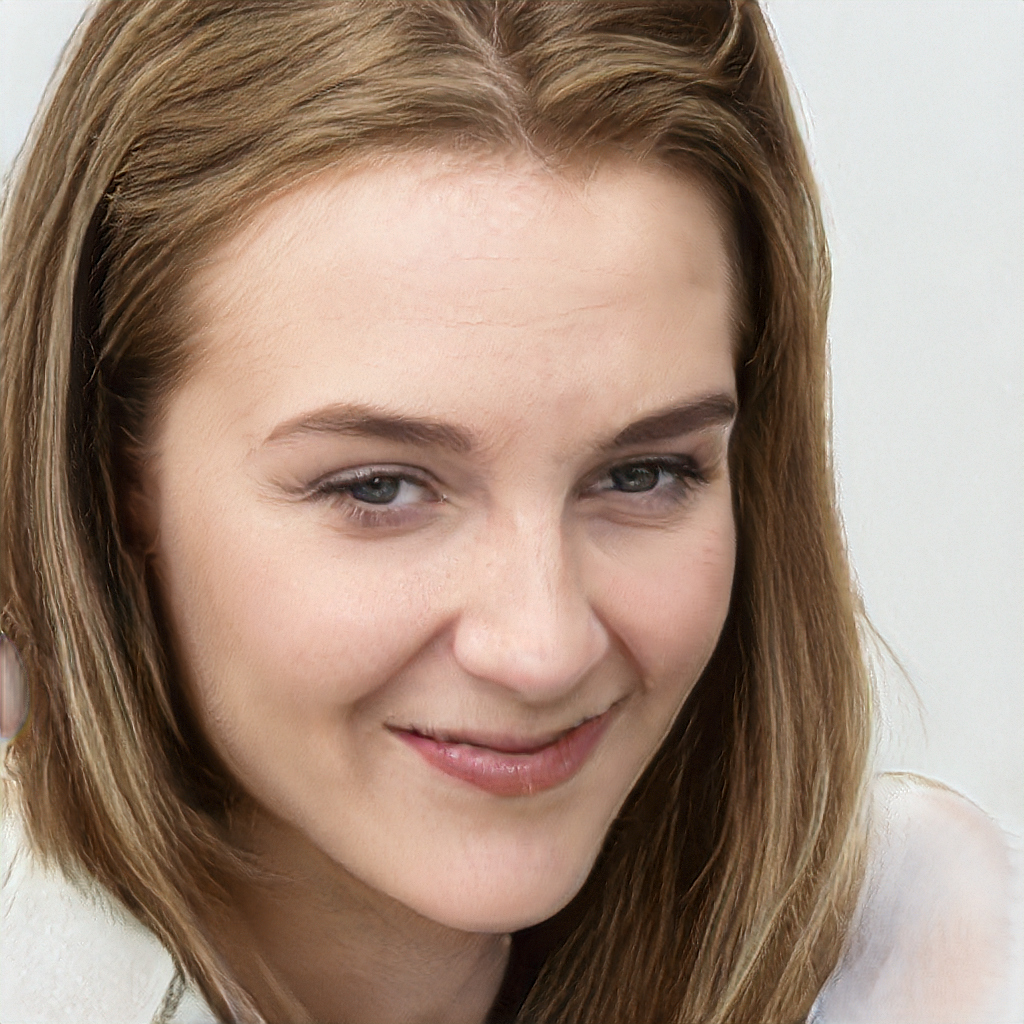
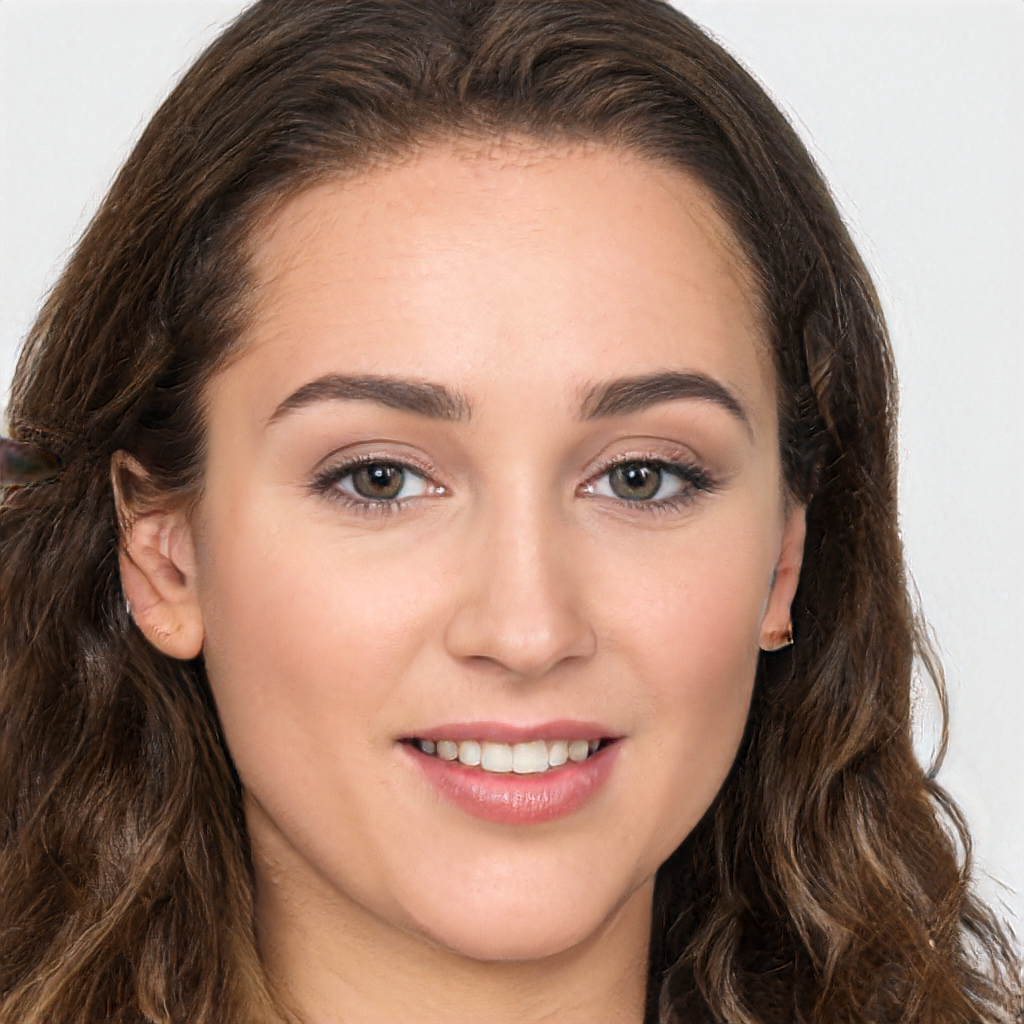
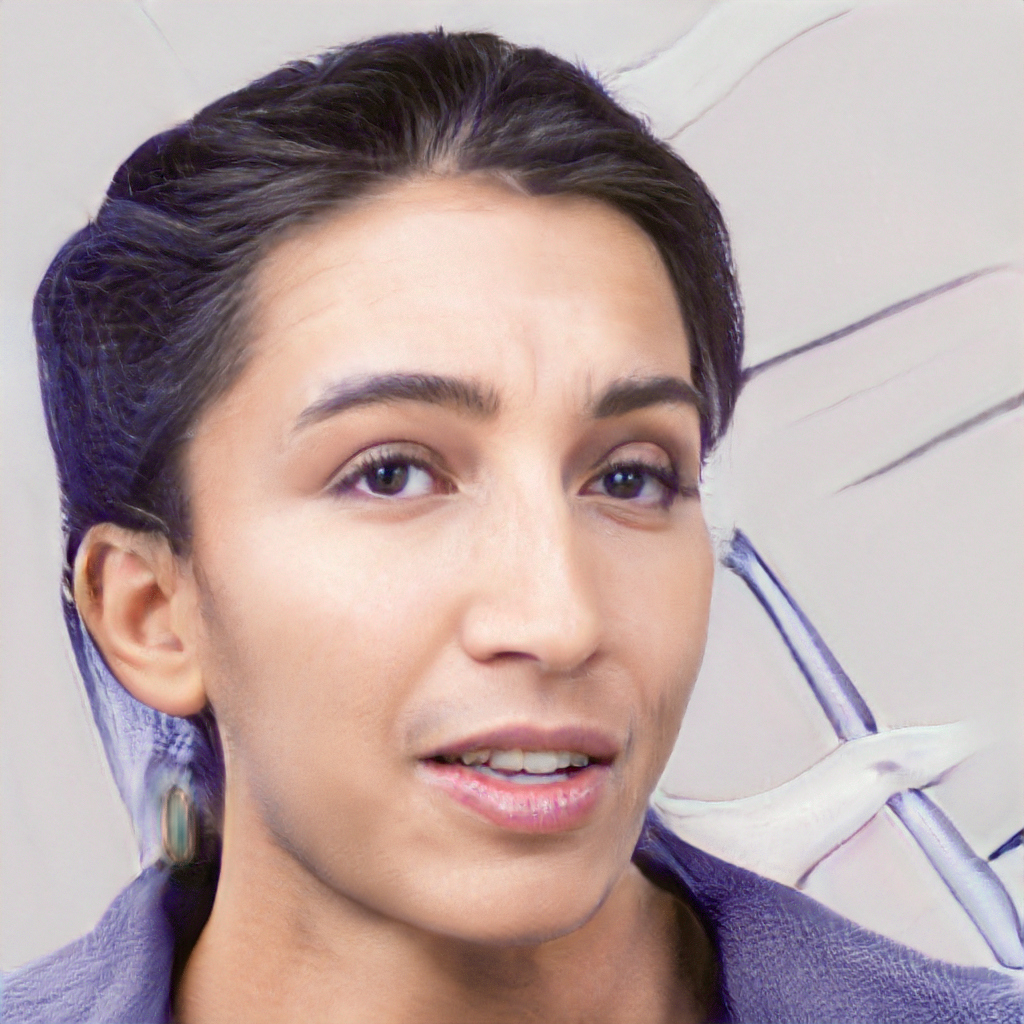
Sometimes a new random photo of a crew member or NPC is needed…
EDIT: 100k-faces.glitch.me is no longer available, so I've adjusted the following to use a different service.
URL=https://this-person-does-not-exist.com/$(curl -s \
    https://this-person-does-not-exist.com/new\?age=26-35 |
    jq -r '.src')
… but it should look like a Cathode Ray Tube image. Run it through ImageMagick: rescale, apply Gaussian noise, convert to monochrome, and export as a 1-bit depth transparent orange PNG.
magick $URL \
    -thumbnail 156x156^ \
    -extent 156x156 \
    +noise Gaussian \
    -evaluate add '10%' \
    -monochrome \
    -transparent black \
    -depth 1 \
    -colorspace RGB \
    -fill '#FFA86A' \
    -opaque white \
    PNG:- \
| base64 | pbcopy
Create an inline <img> element with the base64-encoded PNG data.
<img src="data:image/png;base64,<PASTE IMAGE DATA HERE>" width="156">
Putting it all together…
URL=https://this-person-does-not-exist.com/$(curl -s \
    https://this-person-does-not-exist.com/new\?age=26-35 |
    jq -r '.src'); echo "<a href=\"$URL\" rel=\"nofollow\" target=\"_blank\">
    <img src=\"data:image/png;base64,$(magick $URL \
    -thumbnail 156x156^ \
    -extent 156x156 \
    +noise Gaussian \
    -evaluate add '10%' \
    -monochrome \
    -transparent black \
    -depth 1 \
    -colorspace RGB \
    -fill '#FFA86A' \
    -opaque white \
    PNG:- \
| base64)\" width=\"156\">
</a>" | pbcopy
Et, voila!